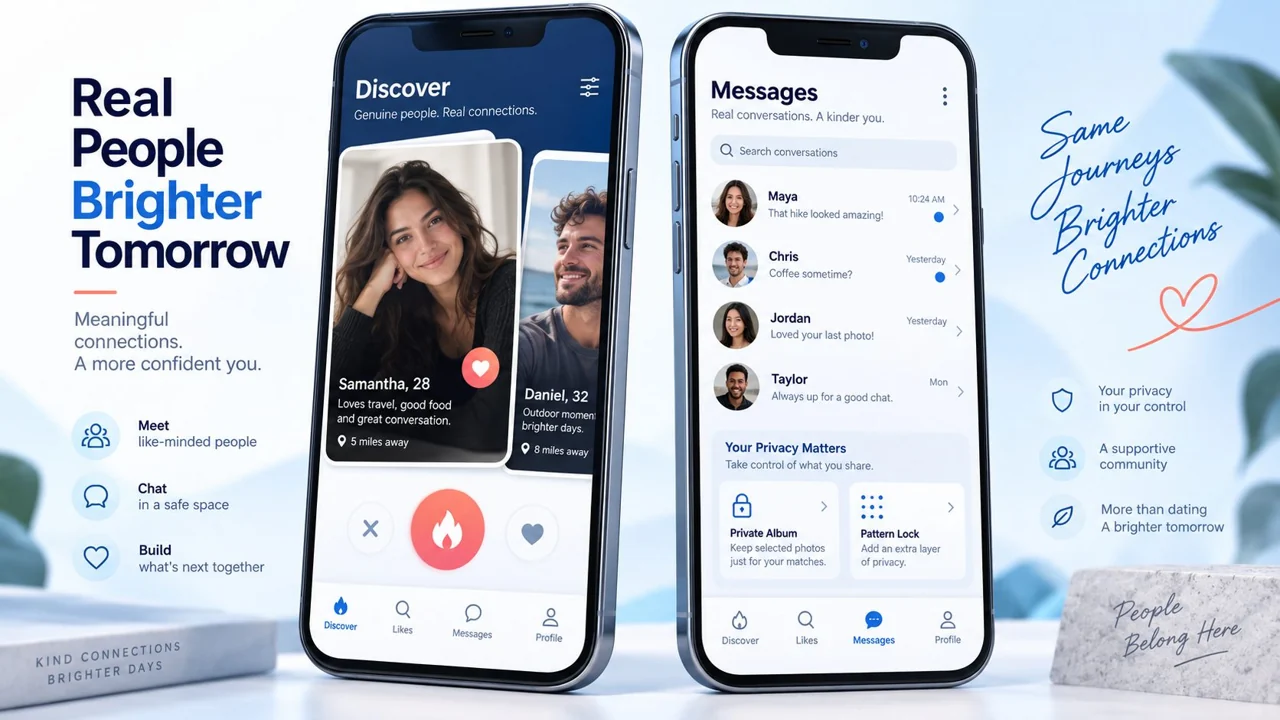
The PositiveSingles Android app is available on Google Play under Positive Singles: Herpes Date. It combines profile discovery, chat, community features and privacy tools for people living with herpes, HIV, HPV and other STIs.
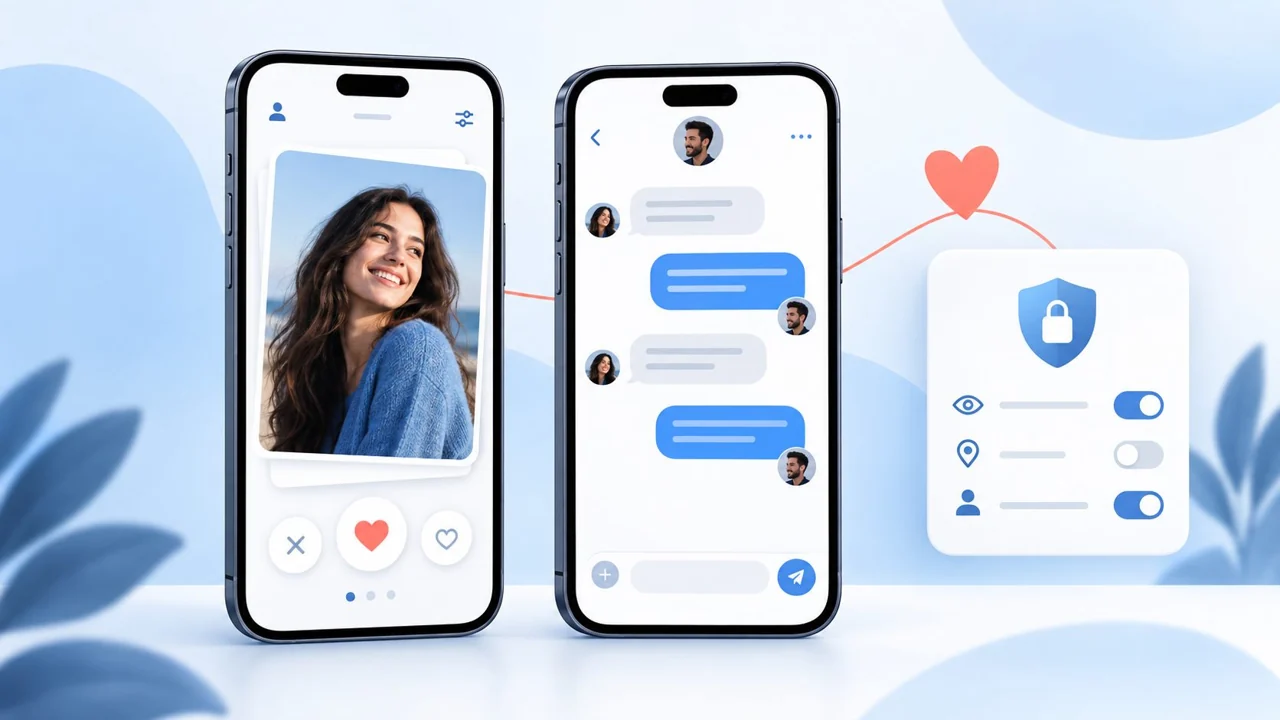
Google Play
Features Named for Android Users
Google Play highlights Flame, Blog, Chat Room, Private Album, Search, Pattern Lock and Drift Bottles. Pattern Lock is relevant on a shared phone, while Private Album helps members choose who can see selected photos.
Google Play shows 500K+ downloads, a Mature 17+ rating and in-app purchases. Store figures and app versions can change.
Get PositiveSingles on Google PlayWhat Google Play Says About Data Safety
The current data-safety panel says no data is shared with third parties, data is encrypted in transit and users can request deletion. It also says the app may collect location, personal information and other data types. These statements are supplied by the developer and can vary by use, region and age.
Use Android Flexibility Without Losing Control of Visibility
Android phones vary widely in notification controls, lock-screen options and permission menus. That flexibility is helpful when you want the app to fit your daily routine, but it also means the settings can look different from one device to another. Start by checking whether message previews, app notifications and recent-app thumbnails reveal more than you want when another person is nearby.
The Google Play listing names Pattern Lock as an app feature. A device passcode and the app's own controls can work together, but neither makes sensitive photos or conversations risk-free. Keep the most personal material for a level of trust you have actually established, and read the privacy guide before relying on any one setting.
Use Search and Flame for Different Kinds of Momentum
Flame can make a quick discovery session feel more approachable, while Search is better when distance, interests or relationship goals need closer attention. Try one method at a time. A profile that catches your eye deserves more than a fast reaction: check the bio, look for everyday compatibility and send a message that responds to a detail the person chose to share.
People who see your profile should find more than health context. The profile-writing guide shows how interests, boundaries and relationship goals can create a stronger conversation opening. A fuller profile helps you judge replies by quality rather than only by volume.
Review Google Play Information at the Time You Install
Google Play's data-safety panel, app version, device compatibility and in-app purchase details are live store information. They can vary by country, device and release. Read the listing before installation and review Android permissions in the operating system rather than granting a permission because it was requested automatically.
If a subscription becomes relevant, compare the current plan description, renewal terms and payment route with the use you are getting from the service. The cost and membership guide explains the questions worth asking before any upgrade.
Keep Mobile Dating Connected to Real Life
Android makes it easy to answer from almost anywhere. Use that convenience to continue a good exchange, not to let someone rush your judgment. A video call, a public first meeting and your own transport remain sensible when a conversation moves off the screen. For a platform-by-platform view, compare the iOS experience with the browser and Android options.
Build a Routine You Can Sustain
A dating app works best when it supports a real life rather than takes it over. Pick a short window for browsing, return to messages when you can answer with attention and use breaks when a conversation becomes draining. That rhythm makes it easier to notice whether a match respects your pace. It also reduces the chance that late-night notifications lead to an impulsive disclosure or a rushed plan.
When a connection looks promising, keep the next step proportionate: a longer in-app chat, then a video call, then a public meeting if both people want one. The first-date safety checklist can help you plan the transition without treating a mobile match as proof of trust.
Review Android Permissions in Context
Camera or photo access may be useful when you choose a profile image, while location access can make nearby discovery more relevant. Grant only what makes sense for the feature you are using, and revisit permissions after an update. A permission request is a question to consider, not an instruction to accept automatically. If you change devices, repeat the review instead of assuming the new phone carries the same privacy setup.