Start by Deciding What Must Stay Private
Online dating privacy is not one setting. It is a series of choices about photos, biography details, notifications, location clues and how quickly you move a conversation elsewhere. Before writing a profile, identify the information that would create a real problem if copied or recognized: a workplace, home exterior, child's name, financial detail, document, regular route or full medical record. Leave it off the public page.
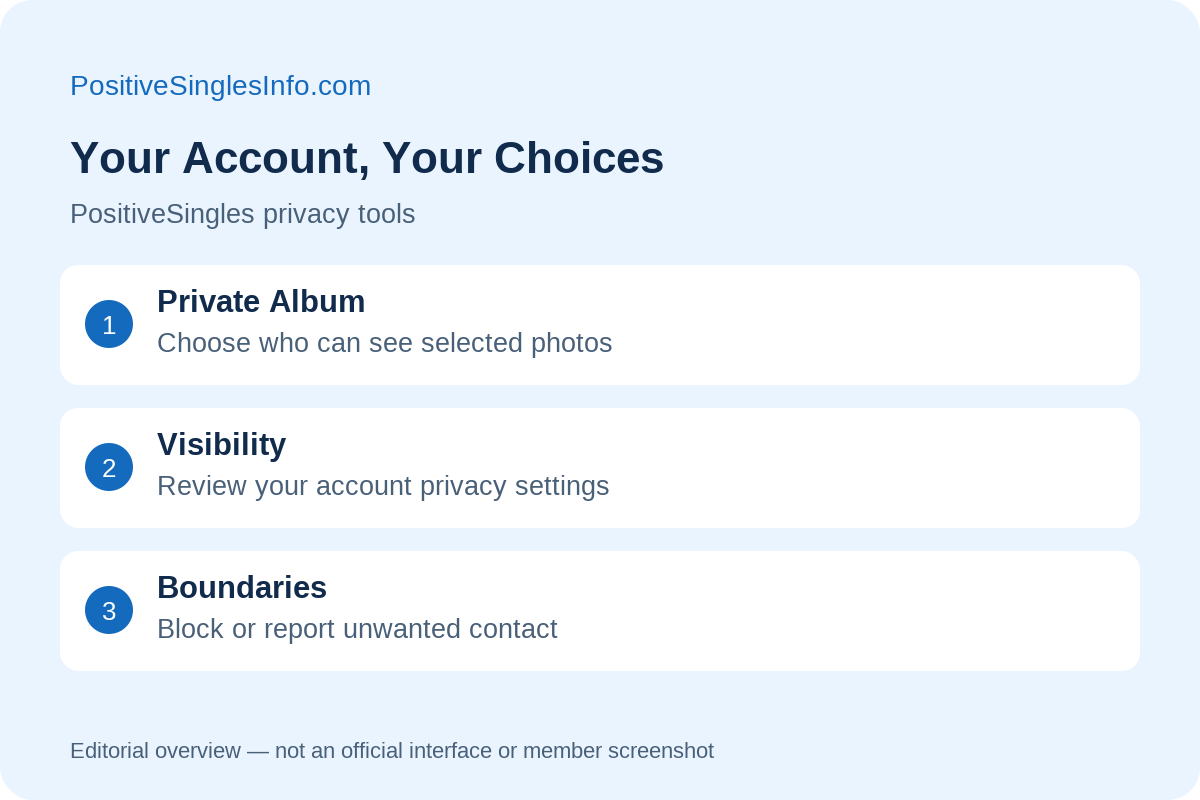
A community can offer tools such as private albums and profile controls, but tools work best alongside careful sharing. The private album guide explains the practical limits of selective photos.
A family photograph can disclose more than the profile writer intended. Single parents dating looks specifically at children’s images, routines and the line between your dating life and theirs.
Protect the Device as Well as the Profile
A message can be private within an app and still appear on a lock screen. Check notification previews, use a device passcode and sign out of browsers you do not own. Do not save passwords on a shared computer. These basic habits matter more than an impressive-sounding privacy claim because they address the screen that is actually in front of you.
Review permissions after an app update, especially photo, camera and location access. Grant a permission because you understand its purpose, not because it appears by default.
Keep Early Conversations in a Controlled Space
Moving immediately to personal text, social media or another app can make it harder to block someone and easier to expose a phone number or social graph. Stay on-platform while a conversation is new. If you later exchange contact details, use the same pacing you would use with any stranger: notice consistency, do a video call if appropriate and avoid sending money or intimate images under pressure.
Read the first-date safety checklist before arranging an in-person meeting.
Privacy Supports Better Dating, Not Less Honest Dating
Holding back identifying information is not the same as being deceptive. You can be warm, interested and direct about relationship intentions while keeping control of details that do not belong in public. A compatible person will understand the difference.
When you are ready to use a community built around positive dating, create a PositiveSingles account and choose your privacy settings before beginning conversations.
A Reused Photo Can Connect Separate Parts of Your Life
A picture already posted on a public social account may make an otherwise separate dating profile recognizable. Decide whether you are comfortable with that connection before reusing it. Cropping an image may remove a background clue but does not guarantee anonymity. Choose a photo that represents you honestly and does not expose someone else. This is a digital-footprint question, different from the Private Album permission inside a service.
Review the Moment You Move Off-Platform
| New Channel | Information It May Reveal |
|---|---|
| Personal phone number | A direct route to contact you outside the dating service. |
| Social-media account | Friends, family, workplace or older public posts. |
| A name or other accounts associated with the address. | |
| Shared live location | Movement beyond what a public profile needs. |
You can choose another channel later, but do it for a clear reason after some trust, not because a stranger insists the dating app is inconvenient.
Private Information Also Includes Other People
A child, friend or ex-partner in a photograph has their own privacy interests. Ask permission where appropriate and leave identifying material out. Do not circulate a match’s screenshot to ask a group of friends for a judgment about their health. You can get support about your experience without forwarding another person’s private disclosure. The community principles explain the respectful boundary.
Use Settings for Their Actual Scope
Profile hiding concerns visibility, album permissions concern selected images, and device settings concern the phone. No single switch controls all three. The product-control guide explains that scope. If a connection crosses identities or local networks, the LGBTQ+ hub discusses visibility without assuming everybody is open in every context. Good privacy supports accurate, proportionate sharing rather than a demand to hide all personality.
Review What a Photograph Reveals Beyond Your Face
A workplace badge, a street sign, a document on a desk or a recognizable home exterior can expose more than intended. Review the background before uploading. Cropping can remove unnecessary identifiers, but do not edit a photograph so heavily that it misrepresents you. Decide whether a picture already appears on a public social account and whether you are comfortable with someone making that connection.
Private sharing still involves another person seeing the image. A permission control can limit normal access; it cannot prevent a screenshot or a photograph of the screen. Choose each image on the assumption that technical restrictions are helpful rather than absolute. That does not mean avoid every photograph—it means retain choice over what you share and when.
Use a Different Response for Each Kind of Exposure
An unwanted message may be handled with blocking or reporting. A photo you no longer want visible calls for an album or profile change. An account-access problem requires password and recovery steps. A copy posted elsewhere may need a report to the platform hosting it. These are different problems; one privacy setting will not solve all of them.
Keep useful evidence of harassment without circulating another person’s private information widely. If there is an immediate threat, contact appropriate local help. The platform’s account tools can support a boundary, but they are not a substitute for emergency assistance or jurisdiction-specific legal guidance.
Review the Story Your Photos Tell Together
One photograph may seem harmless while several reveal a workplace, a familiar street and a routine activity. Review the set as a new viewer could see it. You can share your personality without offering a precise map of your daily life.
Selective access is useful, but choose the images before relying on a setting. A picture shared privately is still visible to the person you authorize. If you would be uncomfortable with that person retaining the information, consider whether the photograph belongs in the album at all. Privacy is easier to manage before the information is shared than after a conversation changes.
Check that the background of an album photograph does not contradict the privacy choices in your written introduction.