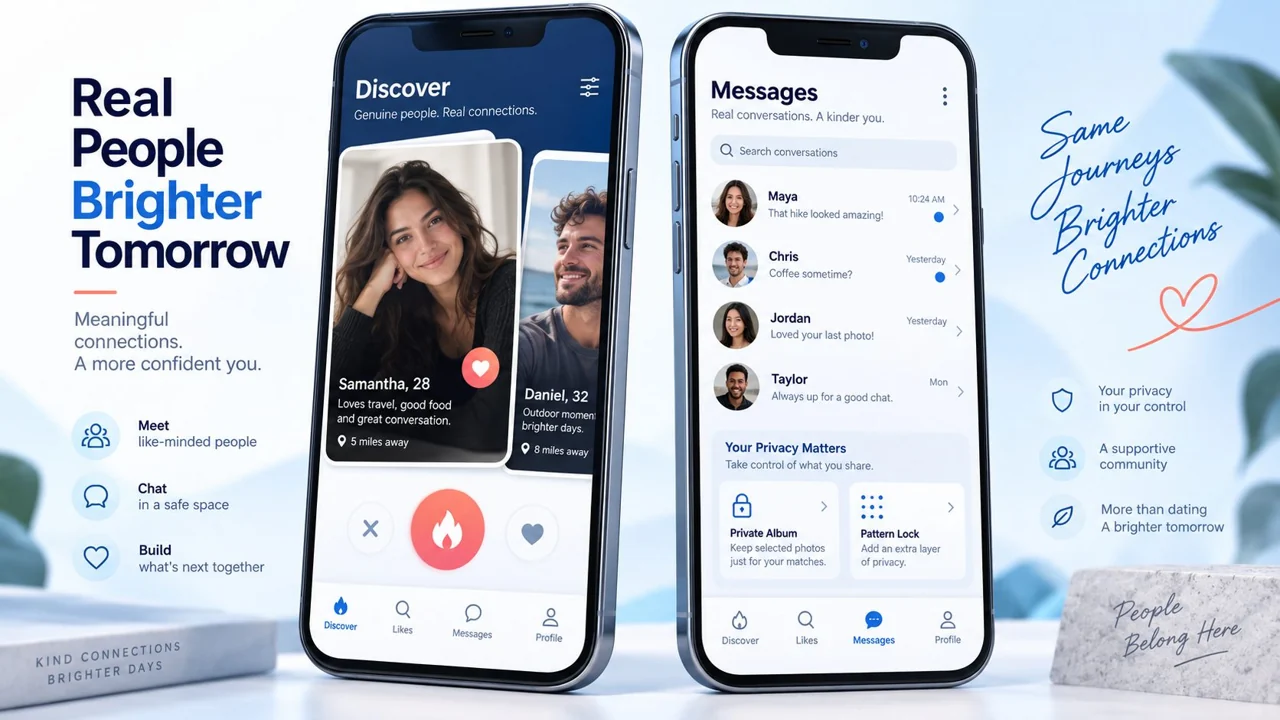
PositiveSingles brings its STI-aware dating community to iPhone, iPad and Android. The app is built for people who want to discover profiles, continue conversations and control privacy without waiting to return to a computer.
Illustrative interface based on public features
Dating, Community and Privacy in One Mobile Experience
Current store descriptions name Flame discovery, Search, Messages, Chat Room, Blog, Private Album, Pattern Lock and Drift Bottles. Together, those tools support dating, conversation and community participation from one mobile account.
- Flame: move quickly through potential matches.
- Private Album: share selected photos with people you choose.
- Search: narrow discovery by useful preferences and location.
- Community: read blogs, join chat rooms and exchange support.
Why a Specialized Dating App Can Feel Different
On a mainstream app, people often have to introduce an STI-related conversation without knowing how a match will respond. PositiveSingles begins with a community where herpes, HSV, HPV, HIV and other STDs are already part of the shared context. That does not guarantee chemistry, but it can make the first steps feel less isolating.
The app is free to download. Standard and Premium membership rules still apply, including limits on who can start private conversations. Read what free membership includes before upgrading.
Choose the Version for Your Phone
Apple currently lists Positive Singles: Herpes Date by PS Support, Inc. Google Play lists the same public product name under PositiveSingles.com. The platform guides explain store requirements, privacy labels and billing details.
What the Mobile Experience Is Designed to Make Easier
Mobile access is most useful when a member wants to keep a conversation alive between work, errands or travel without turning dating into an all-day task. The public app descriptions identify discovery, messages, search, chat rooms, blogs and photo controls as parts of the experience. That means the practical benefit is not merely a smaller version of the website: it is the ability to notice a promising reply, revisit a profile and choose a measured next message while away from a desktop.
Use the convenience selectively. A quick reply can preserve momentum, but a personal bio, a membership comparison and an important privacy choice often deserve the larger screen and slower pace of the website. The PositiveSingles website or app comparison breaks down that division in more detail.
Start with Discovery, Then Read the Profile
Flame gives members a faster way to move through profiles, while Search supports a more deliberate route. Both are openings rather than evidence of compatibility. Before liking a profile or beginning a chat, read for relationship intentions, the distance the person can realistically manage and one personal detail you could answer with a genuine question. This approach keeps a swipe-style tool from flattening a person into a photo.
If you are new to the service, build a complete profile first. A clear image, a few ordinary interests and a realistic description of the connection you want give people a reason to respond. Our PositiveSingles profile guide explains how to make those choices without placing sensitive details in the public introduction.
Use Privacy Tools as Part of the Dating Experience
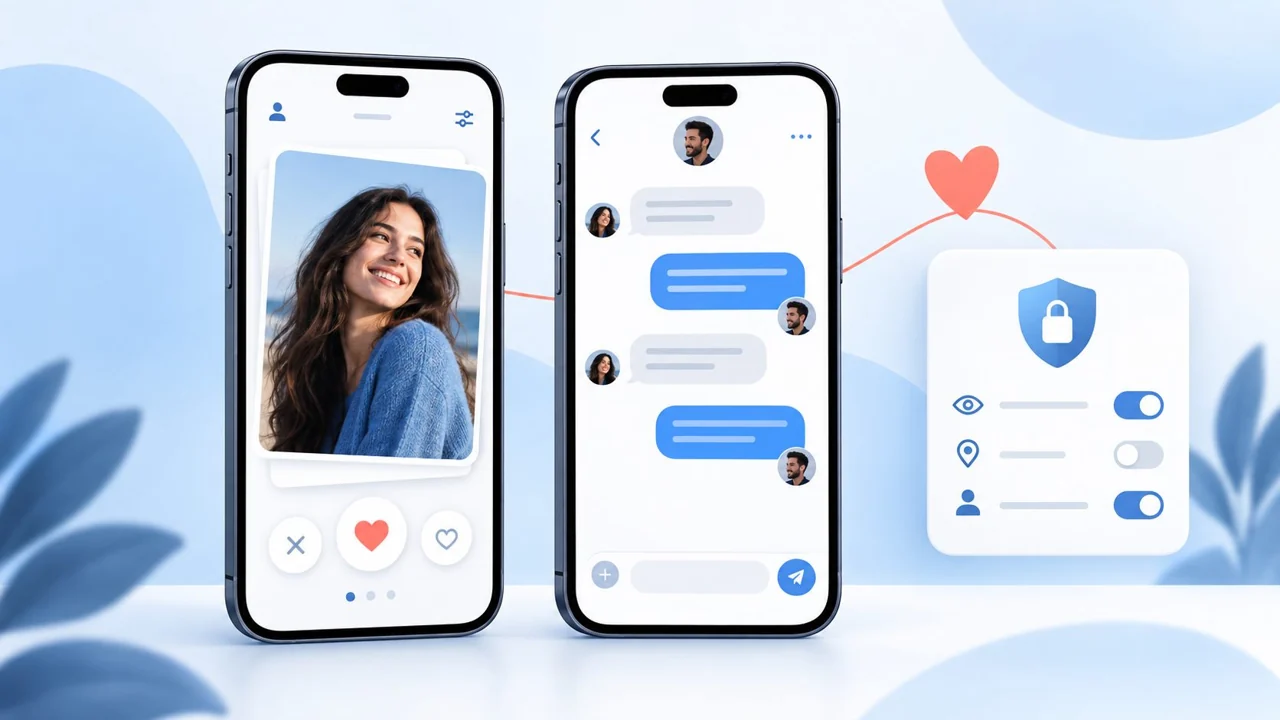
Public descriptions list Private Album and, on Android, Pattern Lock among the available features. Platform controls can help decide who sees selected photos and can add a layer of privacy on a shared device. They do not remove the screenshot risk or replace a careful decision about what belongs in a public profile. Keep workplace signs, street views, regular routines and documents out of uploaded images.
Notification previews deserve equal attention. A message that is private inside the app can still appear on a locked screen. Review your phone settings before starting conversations you would not want visible in a meeting, at home or on public transport. For the broader account choices, see the PositiveSingles safety and privacy guide.
Choose a Platform Before You Need One
Download the app when mobile discovery and message continuity will make it easier to participate; use the website when you want to write, compare and manage settings with more room. Both routes lead into the same PositiveSingles experience, so you can begin with one and use the other when the task changes. The platform-specific pages explain the current store route for iPhone and iPad and Android phones.
Make the First Week Informative
Use the first few days to decide whether the community feels relevant before treating a subscription as the next step. Complete your profile, try both discovery routes, read a handful of profiles in a distance you could genuinely manage and start only the conversations that feel promising. The result is a clearer basis for choosing a plan: not a promise of a match, but direct experience of the people and tools available to you.
Keep your aim modest. One thoughtful exchange, a profile adjustment or a better privacy setting can teach more than an all-night browsing session. When you are ready to compare access, the membership and features guide explains the role of free and Premium tools.