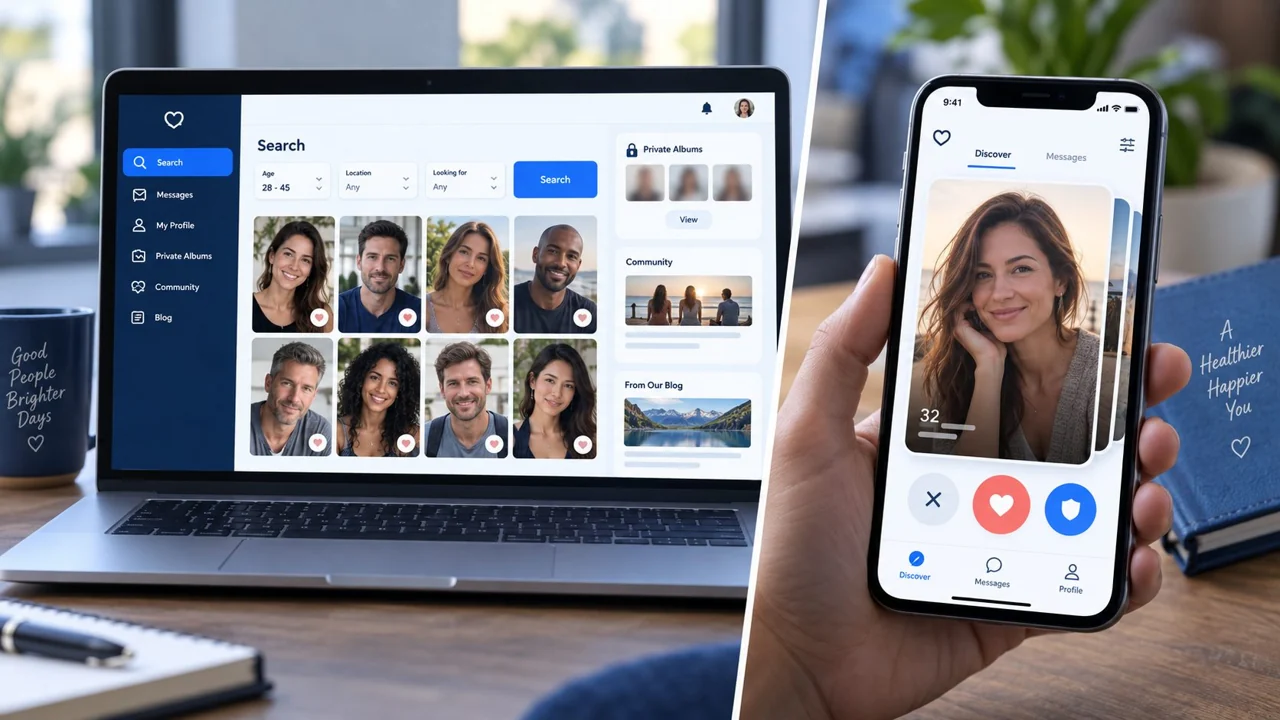
Use the PositiveSingles website when you want a larger workspace for profile writing, filters and account settings. Use the app when fast check-ins, mobile discovery and conversation continuity matter more.
One account, two working styles
Desktop Depth or Mobile Convenience?
The website gives long profiles, search results and settings more room to breathe. A physical keyboard can make thoughtful first messages easier. The app keeps discovery and replies close at hand, but lock-screen previews and frequent notifications deserve attention.
Standard members can reply to messages started by Premium members on the website, mobile site or app. Device choice does not require a separate membership.
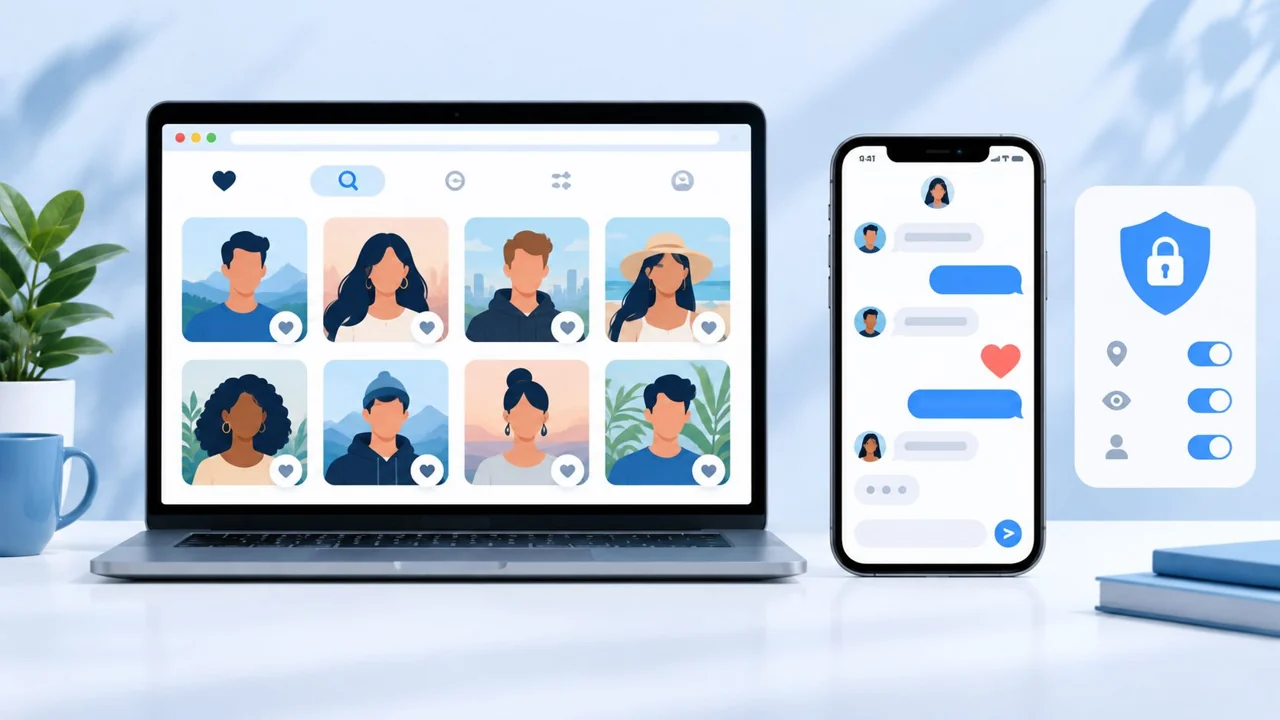
Choose the Website for Focused Sessions
A computer is well suited to writing a detailed profile, comparing several profiles, reviewing membership terms and managing settings without moving between compact screens. It can also be more discreet when phone notifications are visible to other people.
Choose the App for Everyday Momentum
The app works well for checking messages, browsing with Flame, searching away from home and keeping a conversation moving. Pattern Lock on Android and device locks on iPhone can add protection, but neither replaces careful notification settings.
Use a Larger Screen When Words and Details Matter
The PositiveSingles website is a strong choice for writing a fuller profile, comparing multiple search results and reading membership terms without the limits of a phone screen. A keyboard makes it easier to draft a first message that refers to a real detail in someone else's profile rather than sending the same greeting repeatedly. It is also the more comfortable setting for reviewing account details after you have created a profile.
Desktop access has its own privacy questions. Do not save a password on a shared computer, and sign out if the browser is not yours. The website may give you more room, but it does not make public Wi-Fi, a visible screen or a shared browser private by default.
Use the App When the Conversation Is Already Moving
The app is better for shorter sessions: checking a reply, browsing a few profiles, using Flame or keeping an ongoing conversation from going cold. It can make the service feel more present in everyday life, especially when travel or work takes you away from a computer. Its limitation is the same convenience: a lock-screen preview or rushed reply can reveal information or create pressure at the wrong moment.
Set a notification style that fits your real life, then turn it down if dating begins to crowd out work, rest or other relationships. The dedicated PositiveSingles app overview explains the mobile features named publicly by the service and its store listings.
One Membership, Different Moments
The website, mobile site and apps are ways of accessing the same PositiveSingles account. You do not need a separate community simply because you prefer a phone for messages and a computer for profile work. Standard members can reply to messages begun by Premium members across those access points, according to the public FAQ; other limits and paid tools should be reviewed against the current membership page before subscribing.
That flexibility makes a mixed routine practical. Build and review on the website, reply from the app, then return to a larger screen when a conversation deserves a longer answer. The free membership explanation and features guide provide the surrounding context.
Choose by Task, Not by Habit
There is no prize for using only one route. If you want privacy and time to think, open the website. If you want to catch up with a promising chat while away from home, use the app. Choose the tool that supports the next action without making you share more, travel sooner or pay faster than you intended.
A Simple Decision Guide for Each Dating Task
| What You Want to Do | Usually the Better Starting Point | Why |
|---|---|---|
| Write or revise a detailed profile | Website | A larger screen and keyboard make it easier to read your own wording and remove unwanted details. |
| Reply to an active conversation | App | Short, timely responses are easier when the account is available during an ordinary day. |
| Compare plans or account settings | Website | Terms, options and profile controls are easier to review without compressed menus. |
| Browse a few profiles while away from home | App | Mobile discovery keeps the community accessible without waiting for a computer. |
This is a starting point, not a rule. A member may prefer the website for privacy and the app for convenience, then switch depending on the conversation. The important part is choosing deliberately instead of allowing device defaults to decide how much of your dating life is visible.
Protect the Same Account on Every Screen
Website and app access should follow the same boundaries: unique passwords, careful notification settings, selective photo sharing and no pressure to leave the service before you are ready. A phone is not inherently less private than a computer, and a computer is not inherently safer than a phone. The circumstances matter—who can see the screen, whether the device is shared and whether the connection is secure.
Before moving from chat to a first meeting, read the first-date safety checklist. Before choosing access or upgrading, use the PositiveSingles review to put the available features in context.
How Profile Writing, Messaging and Privacy Change by Device
Website sessions are well suited to careful profile writing because a member can see a longer passage, compare photos side by side and notice a detail that might identify a workplace or daily routine. App sessions are better for conversation continuity, but they can invite a fast reply when a thoughtful answer would be kinder. A useful habit is to draft a sensitive message on the device that gives you more room to read it once before sending.
Privacy is also practical rather than theoretical. A home computer can be private or shared; a phone can be protected or left face-up. Use the device that lets you control the screen, the account and your attention at that moment. If neither feels private, wait. A compatible person will not treat a pause as a test of interest.
A better device choice is the one that lets you read, reply and protect your information with enough attention.