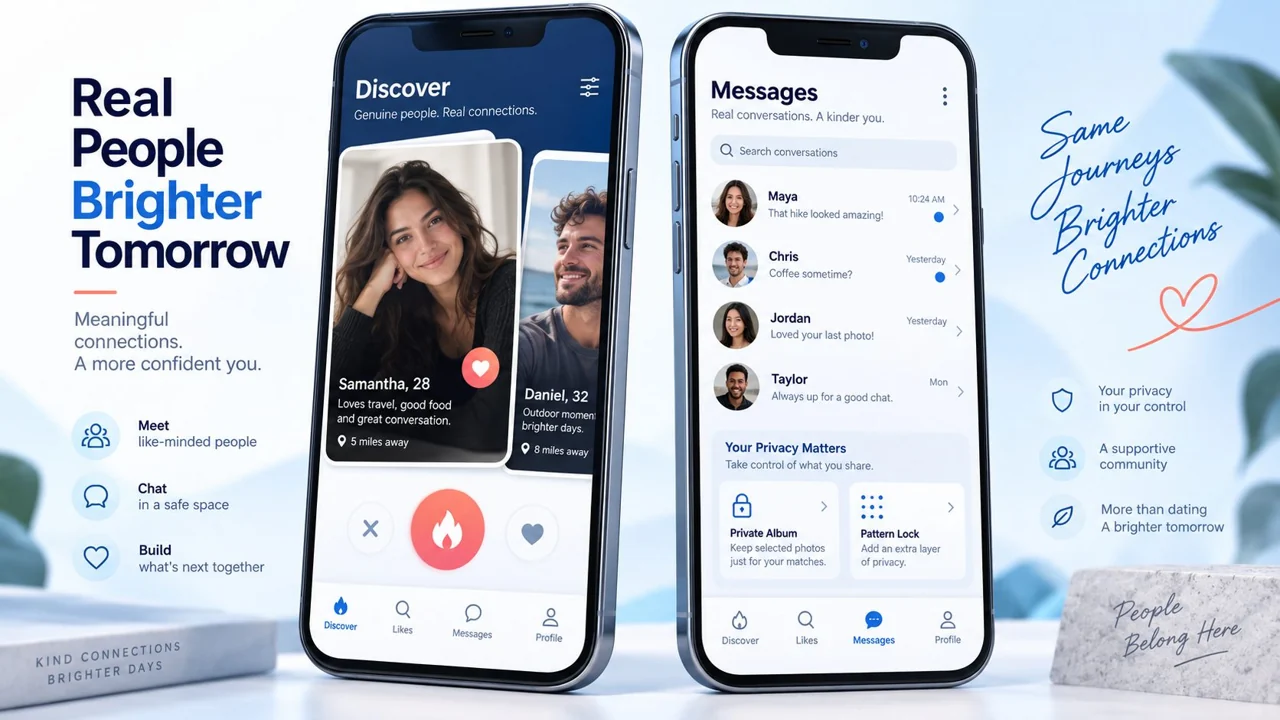
The PositiveSingles iOS app is free to download for iPhone and iPad. Apple currently lists it as Positive Singles: Herpes Date, developed by PS Support, Inc., in Social Networking.
iPhone and iPad
Take Positive Dating with You
The App Store description presents a private dating and support community for people living with HSV, HIV, HPV and other STDs. Members can browse, communicate and participate in community features from an Apple device.
Apple displays a 4.3 rating from about 7.6K ratings, an 18+ age rating and a requirement of iOS 14 or later. Ratings, compatibility and size can change.
Download PositiveSingles for iOS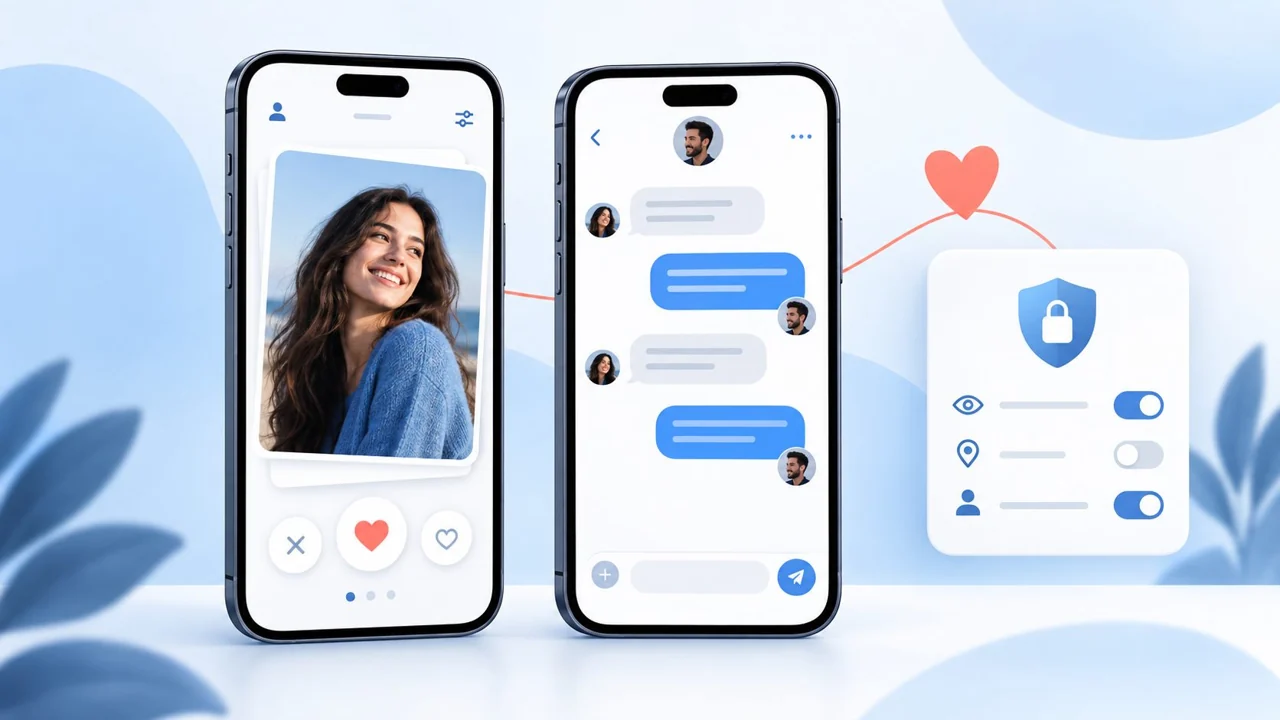
Review Apple's Privacy and Subscription Details
Apple's privacy label says the developer may use identifiers for tracking and may collect data linked to identity, including purchases, coarse location, contact information, user content, search history, identifiers and sensitive information. Apple notes that this disclosure is supplied by the developer and is not verified by Apple.
Subscriptions renew through the Apple account unless auto-renewal is turned off in time. Keep the receipt and compare the plan totals in the PositiveSingles cost guide.
Use an iPhone for a More Deliberate First Impression
An iPhone is especially useful when you want to reply from the moment you have a quiet minute, but the strongest first impression still comes from the profile rather than response speed. Choose a current primary photo, describe a few interests and explain the kind of relationship you hope to build. The App Store route makes it easy to install the app, while the profile guide can help you decide what your public introduction should and should not reveal.
Apple device features can support discretion around a dating app. A passcode, Face ID and carefully chosen notification previews may reduce casual visibility when the phone is shared or left on a table. They are device settings, not a substitute for considering what you put in messages or albums.
Set Notifications for Conversation, Not Constant Interruptions
Push notifications are useful when you are waiting for a reply or want to respond while a conversation feels active. They can become distracting when every interaction appears on a lock screen. Start with a quieter setting, then adjust after a few days of real use. If privacy matters in a particular setting, turn off message previews rather than assuming the app can control every part of the operating system.
When a chat becomes more personal, it is reasonable to pause before moving to another messaging service. Keep the early exchange in the app long enough to judge consistency and use a video call before arranging a long journey. Those choices belong to the safety and privacy plan, not to iOS alone.
Keep App Store Billing Easy to Revisit
Apple handles in-app subscriptions through the Apple account. Save the receipt, note the renewal date and use Apple subscription settings if you later want to change or cancel a purchase. Before buying, compare the feature you want with the current membership terms described in the PositiveSingles cost guide. A paid plan is easier to evaluate after you have seen whether the profiles and conversations in your area are genuinely relevant.
Compatibility, ratings and subscription offers can change. The App Store listing is the right place to confirm the current publisher, iOS requirement, store description and purchase options at the moment you download.
When the Website Is the Better Companion
Use the iOS app for everyday replies and browsing; switch to the website for a longer bio, several profile comparisons or careful account review. The two are complementary rather than competing paths. If you use both, keep the same privacy standard on each device and avoid saving passwords on a public or borrowed computer.
Keep the First Week Light and Private
Use the first few sessions to learn the rhythm of the app rather than attempting to disclose everything or judge every profile immediately. Browse at a time when you can read carefully, choose one profile detail to respond to and keep early messages inside the service until the exchange feels consistent. If someone pushes for a phone number, money, private images or an immediate meeting, slowing down is a sensible response.
The website and app usage guide offers a broader first-week workflow, while the PositiveSingles FAQ covers common account and membership questions.