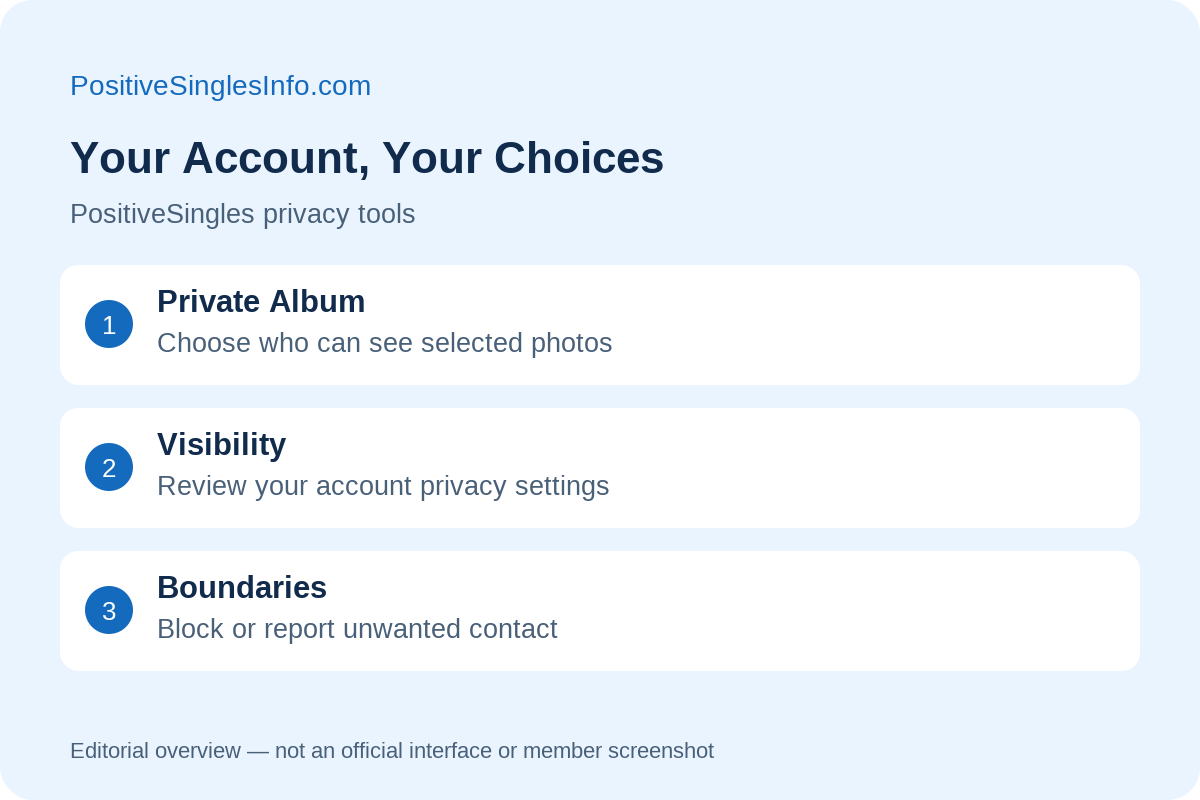
Choose Photos for a Private Album Deliberately
A private album can help separate selected images from a public profile, but each image still deserves a privacy check. Avoid documents, location clues, children’s faces, workplace badges and anything you would regret being copied outside the service.
The profile guide explains which images work well in the public introduction.
Let Trust, Not Pressure, Decide When You Share
A request for a private photo is not a deadline. Spend time reading a profile, having a real conversation and noticing whether a person respects small boundaries. If someone becomes demanding or hostile, use the available block or report options rather than negotiating your comfort level.
Read the safety guide for more account-level choices.
Keep the Rest of Your Dating Life Private Too
Album settings work best with careful notifications, a locked device and sensible timing around moving off-platform. Early chats can remain in the service until you have enough information to decide whether sharing a number or arranging a meeting makes sense. The first-date checklist can help with that transition.
Requesting and Granting Photo Access
- Read the member’s profile before requesting more photographs.
- Use the Private Album access request on the profile when available.
- Wait for the owner’s decision instead of sending repeated demands.
- For your album, approve only the people you choose.
Album access is an invitation to view selected images, not permission to distribute them. A refusal does not establish deception or a lack of interest. Somebody may want more conversation first, may keep only ordinary photos there, or may not wish to share that album with a new match.
Removing Access and Moving Photos
The service’s public help describes managing private-photo recipients under Profile, Private and the access area, with removal from the list. It also describes an Unshare Private Album option within a chat. Removing access prevents future viewing through that permission; it cannot retrieve an earlier screenshot. The public main photo is distinct from other album images. PositiveSingles describes moving other public pictures into the private album, but not moving the main photo in the same way. The profile guide helps decide what belongs in that public position.
A Private Album Is Not a Hidden Profile
An album restricts selected images. A profile-visibility setting concerns discovery or who can see the profile itself. Do not assume that using one automatically enables the other. Read the privacy overview when you need control beyond individual pictures. Your public bio, comments, notifications and the context of a conversation may still reveal information even when an album is restricted.
Respond to Pressure Without a Long Explanation
You can say, “I keep those photos private until I know someone better.” There is no need to offer a medical explanation or exchange an intimate picture for ordinary conversation. If somebody reacts with threats or escalating demands, stop the exchange and use the service’s reporting controls. When you are preparing to meet instead of share more online, the meeting checklist addresses a different next step. Private photos should support your comfort, not become a test somebody else imposes.
Think Through the Photo Before You Upload It
Private sharing starts with the photograph itself, not only the access setting. A picture can reveal a workplace badge, a street sign near home or another person who did not agree to appear in your dating profile. Decide what information you want a new contact to learn from it. A private album narrows platform access; it does not make every detail in the photograph harmless.
A Portrait and a Location Clue Are Different Decisions
You may be comfortable sharing a clear portrait while keeping a home exterior or a regular route out of view. Review the background as well as your face. If another adult appears, get their agreement or choose a different picture. Do not upload photographs of somebody else merely to make an account look more credible.
Your main profile photograph has a different role from a private album image. The public help material explains that the main photo cannot simply be made private in the same way. If your aim is to control overall profile visibility, read the relevant account settings rather than assume moving additional pictures into an album solves that broader question.
Answer an Access Request on Your Own Terms
A polite request can still be declined. You do not need a long explanation: “I prefer to keep those photos private until we have talked more” is a complete answer. If somebody reacts with pressure or treats access as proof of attraction, that response tells you something useful about the interaction.
Conversely, requesting access does not entitle you to an answer. A person may be comfortable chatting while keeping some photographs private. Respect the decision and continue only if the conversation itself feels welcome. Photo access should not become a test that someone must pass to be considered genuine.
Changing Your Mind After Sharing
The service’s help routes describe managing private-photo access and removing it. Use the current profile or chat control that applies to your situation. Removing access concerns viewing through the platform; it cannot guarantee that an earlier viewer never made a copy. That limitation is why it is worth choosing photographs deliberately before the request arrives.
If a photograph no longer represents what you want to share, review both the image and the access list. Moving or deleting an image is a different action from removing a particular person’s access. Read the screen carefully so the result matches the privacy change you intended.
When the Album Is Not the Main Concern
Repeated requests after a clear refusal, threats or attempts to obtain intimate material are conduct concerns, not simply album-management questions. Preserve relevant messages privately and use reporting or support as appropriate. Do not negotiate access because somebody claims you owe it after a conversation.
Selective photo sharing can make dating feel more comfortable when it supports your chosen boundaries. It works best alongside a profile that avoids unnecessary identifying details and conversations that respect consent. No album setting can replace those human decisions, but understanding the tool helps you use it for the purpose it actually serves.