Use the Official PositiveSingles Sign-In Page
Use the direct login route when you already have an account. Check the domain before entering a password, especially if you arrived through an email, text message or advertisement. Legitimate account support does not need your password or one-time verification code by message.
If you are creating an account for the first time, use the PositiveSingles sign-up guide rather than the login page.
Recover Access Without Sharing Credentials
Start with the official password-recovery options. Use an email account only you control, update a reused password elsewhere, and check whether a browser or shared computer stored your details. If a message about your account feels urgent or unusual, visit the service yourself rather than using the message link.
The customer support guide explains how to prepare a safe support request.
Keep the Account Private After You Sign In
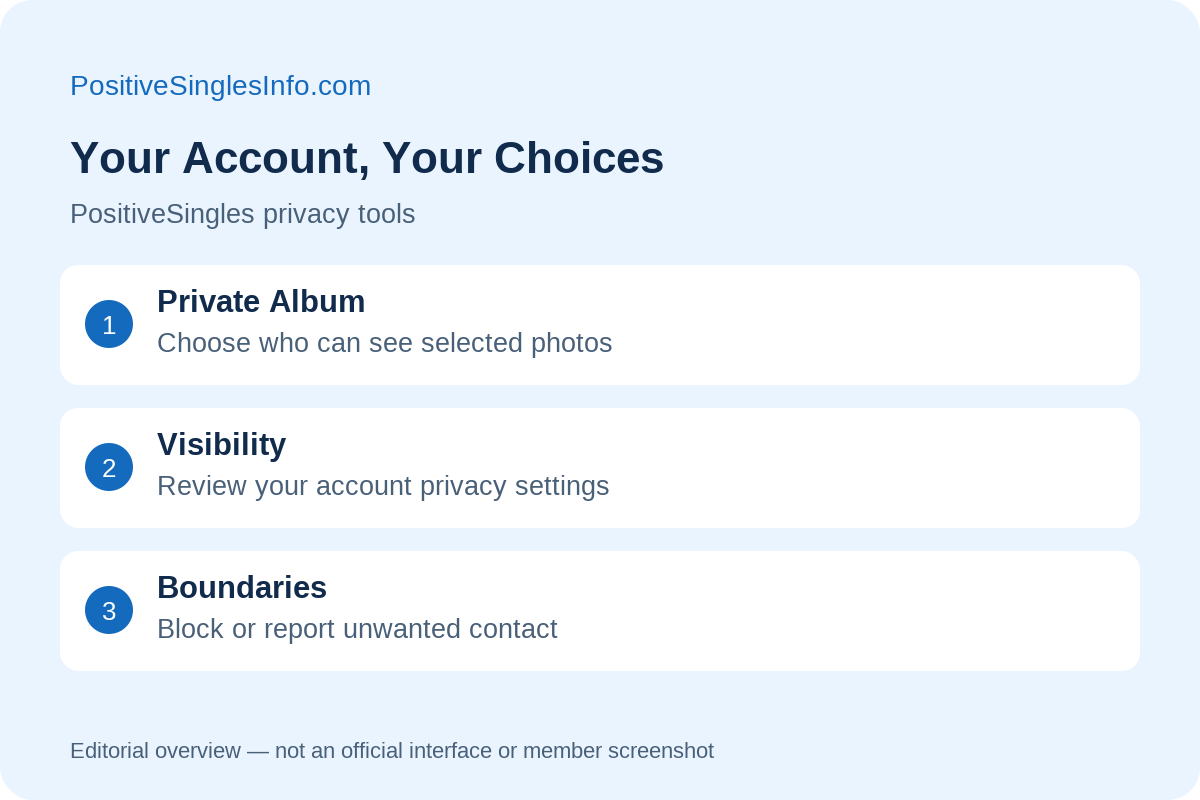
Sign out on shared devices, review notification previews and avoid saving a password in a public browser. Account access is a privacy setting as much as a technical task. Read the safety and privacy guide before adding personal details or photos.
Separate the Three Common Sign-In Problems
- Forgotten password: use the recovery process on PositiveSingles and an email account you control.
- Wrong account route: confirm whether you originally registered with the same method you are trying now.
- Technical failure: note the device, browser or app, error wording and time before requesting help.
A password reset and a new registration are not interchangeable. Creating another profile can leave billing or messages on the old account. If you have an existing purchase, locate the receipt and establish which account or store it belongs to before starting over.
When the Website Works but the App Does Not
Try the website route to distinguish an account-access problem from a device-specific issue. Record whether the error appears before or after credentials are submitted. An app update, browser cookie setting or network problem may affect the experience, but this guide cannot identify the cause from a screenshot alone. Use support guidance with the exact message rather than repeatedly resetting a password that already works elsewhere.
Protect Access Without Sharing the Password
This site has no ability to recover a dating account and never needs your login details. A match, unofficial helper or person promising a refund should not receive your password or one-time code. Keep the email account secure too, because recovery links may go there. On a shared computer, sign out after using the service and avoid saving credentials. The account privacy guide covers the broader controls once you regain access.
New Here? Use Registration Instead
If you have never created a PositiveSingles account, the sign-up guide explains the different first step. Login is for returning members; it does not create a profile or apply a referral offer by itself. Join Free opens the approved registration destination, while Sign In opens the official login destination. Both use the existing attribution identifier, and neither routes through an imitation account form on this information site.
Work Out Where Sign-In Is Failing
A sign-in problem becomes easier to describe when you separate opening the page, entering account details and reaching the account afterward. If the page never loads, changing a password may not address the problem. If the page loads but rejects details, the error wording and account identifier matter. If access stops after a successful sign-in, support may need information about that later screen.
Use the Account You Already Created
Changing phones or moving from the website to an app does not automatically mean you need a new profile. Begin with the account details you registered with. Check for ordinary typing differences before repeatedly submitting: an unintended space, an old email address or a keyboard that inserted a different character. Do not post those details publicly while asking for help.
A saved browser password can belong to a previous account or a previous password. Read the account identifier being filled rather than assume the saved entry is correct. On a shared device, consider whether you want the browser to retain credentials at all. Signing out of the service and closing a browser window are different actions.
Handle Recovery Messages Carefully
Use the recovery route available on the legitimate sign-in screen. If a message arrives, treat its reset link as sensitive: someone who can use it may be able to change account access. Do not send the link to a stranger claiming to be a helpful member. A recovery request should not require paying another member or sharing a one-time code in a dating conversation.
If the message does not arrive, review the email account and its filtered folders before opening a second dating account. When contacting support, explain whether you requested recovery, received a message and could open the link. Those facts are more useful than sending an entire inbox screenshot containing unrelated personal information.
After Regaining Access
Check whether your profile and account information look as you expect. If you notice changes you did not make, record the concern and use the legitimate support route. Do not assume an unfamiliar charge, message or setting can be solved simply by changing a profile photo. Account access, conduct reports and subscription billing each deserve the appropriate investigation.
If you believe credentials were exposed, use a strong distinct password and protect the email account connected to recovery. Reusing a dating password on other services creates additional exposure. A successful sign-in confirms access to that account at that moment; it does not establish that all earlier account activity was yours.
What This Site’s Sign-In Button Does
Our Sign In button takes you directly to PositiveSingles with the approved referral parameter. PositiveSinglesInfo.com does not ask for or store your dating password. If you need to recover an account, continue on the service itself rather than email credentials to this guide. You can still return here to read the app, privacy or support explanation while working out your next step.
Close a recovery session on a shared device once the account action is complete.